
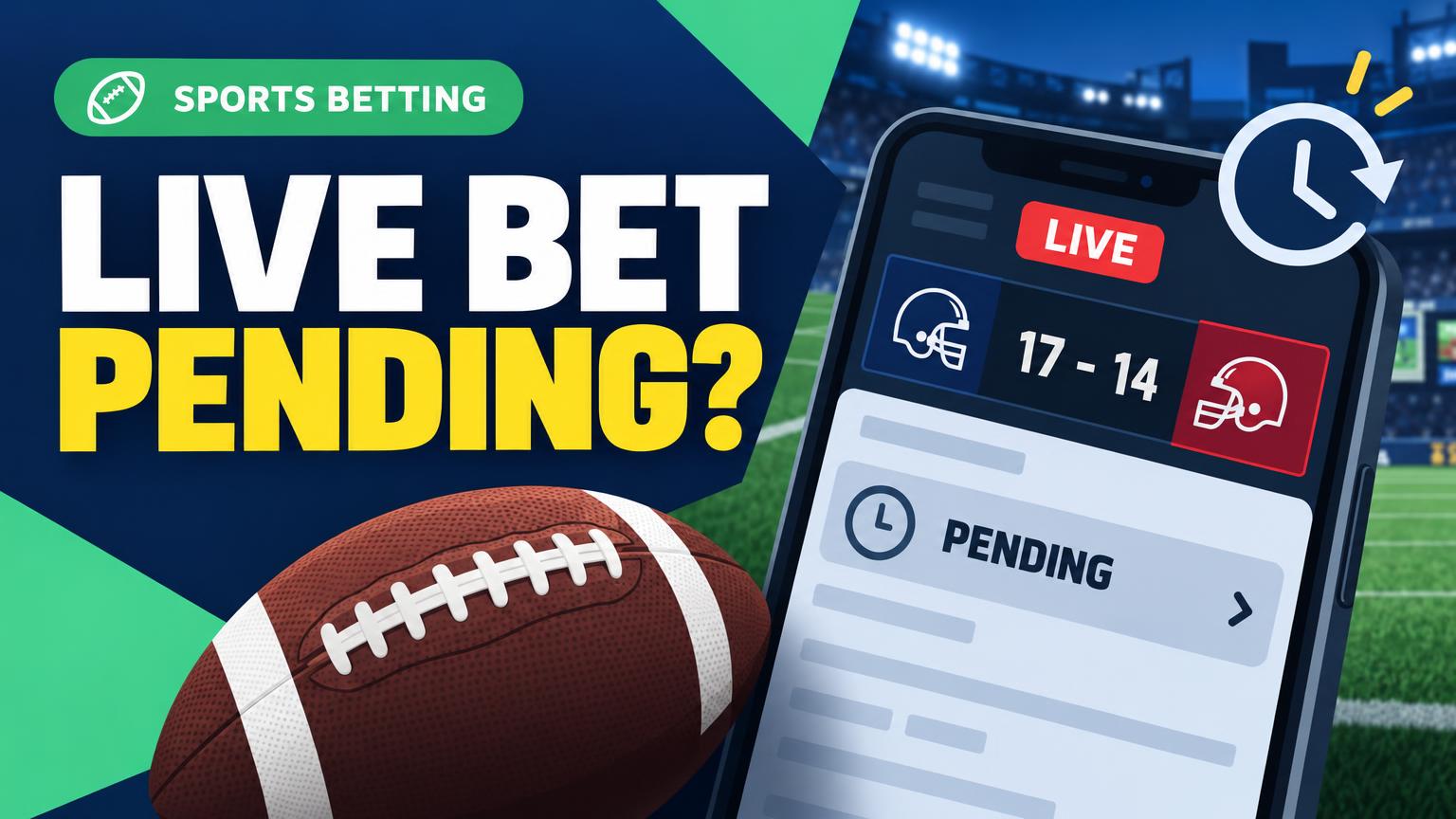
A moving scoreboard is not a bet confirmation.
The score changes seconds after “Place bet” is tapped, but the slip still reads Pending. That label does not, by itself, show whether the wager was accepted. A live bet may pause while the sportsbook checks the current odds or a recent play, even as the broadcast continues.
Before placing it again, check Open Bets and the account’s bet history for the event, selection and stake. A bet reference number or an accepted status is stronger evidence than a spinning slip. If no record appears, the submission may still be processing; repeating the tap could create a second wager. If the status stays unclear, the sportsbook’s support team can check the account record.
Why the game continues while a bet is pending
A short countdown or “awaiting acceptance” message usually means the request is still being checked. It does not by itself mean the wager has been accepted. The game clock follows the action on the field; the bet slip follows a separate process that may need to confirm the current odds and whether the market is still open.
For example, a shot, foul, or score can happen while a request is pending. The bookmaker may then accept the wager at the available terms, offer changed odds, or decline it, depending on the market and its rules. The screen can also take a moment to update after that decision. For more context, see how a live bet moves from slip to acceptance.
The useful distinction is pending versus confirmed. A spinning icon, countdown, or unchanged game clock is not a final status. Check the slip for an explicit accepted or rejected message, then look in the account’s open bets and bet history for the wager and its recorded details. If the message disappears without a clear result, refreshing the account view may help; repeatedly submitting the same wager before checking the record can make the situation harder to untangle.
When the odds change before acceptance
A live bet may remain pending because the price shown when the slip was submitted has changed before the operator accepts it. For example, a selection requested at 2.10 might move to 1.95 while the game continues. The displayed price is not necessarily the price at which the bet was placed; what happens when odds change before acceptance depends on the slip settings and the operator’s rules.
Some slips allow a choice to accept any odds change, accept only a more favorable price, or require confirmation of a new price. If confirmation is required, the slip may show a prompt rather than a completed bet. An unconfirmed change can expire, and a market suspension may prevent acceptance even when the setting permits price changes.
Check the outcome in this order:
- Look for a price-change prompt and read the new odds before responding.
- Check whether the slip says accepted, rejected, expired, or still pending; a spinning indicator alone does not establish acceptance.
- If accepted, compare the recorded odds in bet history with the price originally requested. The bet record, rather than the earlier slip display, shows the accepted price.
If no final status appears, the bet reference and account history can help distinguish a delayed update from a wager that was never accepted.
When a key moment pauses the market
A goal, touchdown, injury, video review, or other significant moment can cause a sportsbook to suspend a live market while the game continues. The pause gives the operator time to update the available bets or odds. A pending request may remain on screen during that pause, even as the score or clock changes.
A suspension is not a verdict on the earlier request. The bet might have been accepted just before the market closed, or it might still be awaiting a decision. A market reopening only means bets are available again; it does not confirm that the earlier request went through, even if the same selection reappears.
The useful check is the bet record, not the market display. An accepted wager generally appears in bet history with its stake, odds, and a bet reference. If the slip instead shows a rejection or expiry, the wager was not placed. When the screen remains unclear, the request time and any reference number can help support identify what happened. Reopening the market is not a reason to assume the pending request disappeared or to place the same bet again without checking its status.
When the screen stops updating
A pending message on a slow or frozen screen may be an old display, not the current status of the wager. The game feed can keep moving even when the bet slip has stopped updating. A spinning icon, an unresponsive button, or a countdown stuck on one number can be a clue that the screen needs to catch up.
Refresh the page or reopen the app, then check bet history and any confirmation message. An accepted wager will typically have a record showing its selection, odds, stake, and a bet reference. If the slip disappears after a refresh but no record appears, that alone does not establish whether the request was accepted or rejected. The same checks can help check whether a rejected live wager was accepted.
If the screen and account history disagree, allow a little time for the records to update before treating either display as final. A timestamp or screenshot of the pending slip, along with any reference number, can help support staff trace the request if its status remains unclear.
Tapping Place bet again is a new submission, not a status check. If the first request was accepted despite the frozen screen, a second tap could create another wager.
When a pending bet needs a closer check
A pending message that lasts beyond the sportsbook’s displayed countdown calls for a check of the bet record, not a guess based on the balance. A changed balance may reflect a temporary hold or another account activity; it does not, by itself, confirm that the wager was accepted.
Open bet history and look for an accepted, rejected, expired, or still-pending entry. If the request remains unresolved after the app has refreshed, save the details before the screen changes:
- Event and teams or participants
- Market, selection, and requested odds
- Stake and the time the request was submitted, including the time zone
- Bet or request reference number, if shown
- A screenshot of the pending message and any later status
Processing rules differ between sportsbooks and can change during a live event. If the stated delay has passed and the account record still gives no clear result, sportsbook support can check the reference number against its transaction records. Where no delay is stated, a request that remains pending after a refresh and history check is also worth raising with support. Avoid placing the same wager again solely because the first request looks stuck; its status may update later.
For future live bets, it may help to compare how sportsbooks display betting delays. A visible countdown makes it easier to tell a routine wait from a request that needs checking.
Does “pending” mean the bet was placed?
The word pending can describe two different waits. A live-bet request may still be awaiting acceptance, even as the game continues. An accepted wager may also appear pending because the event or market has not yet been settled. The label alone does not establish which stage the bet has reached.
The clearest check is the account’s bet history or transaction record:
- Awaiting acceptance: The request has been sent, but there is no recorded acceptance or accepted odds. A countdown or temporary balance change is not, by itself, confirmation that a wager exists.
- Accepted: The record shows the wager as placed, usually with an accepted price and a bet reference. If its result still says pending, the placement stage is over; the wager is awaiting an outcome.
- Rejected or expired: The request was not accepted. The slip may remain visible briefly, but a rejection notice or corresponding account entry takes precedence over an old on-screen message.
The accepted odds matter because live prices can move between tapping the button and the sportsbook’s response. The price first shown on the slip may not be the one recorded for an accepted bet. Once placement is confirmed, how accepted bets are settled is a separate question: the final result depends on the market’s rules and the recorded outcome, not on whether the game continued during the initial delay.
Check the record before trying again
- Pause before resubmitting
A second tap can create another request while the first is still being checked.
- Allow the displayed delay to pass
The pending message may clear after the platform finishes checking the play or price.
- Reopen bet history
Refresh the account record rather than relying on the original slip, which may not have updated.
- Look for a clear result
An accepted entry should show the wager and its recorded odds; a rejected entry means that request was not placed. If neither appears, its status remains unclear.
- Keep conflicting details
If the slip and account record disagree, save the bet reference, displayed status, odds, and time for support.
A game continuing does not establish whether a live bet was accepted. The account record matters more than the movement on screen; when that record remains unclear or conflicts with the slip, support can review the saved details.