
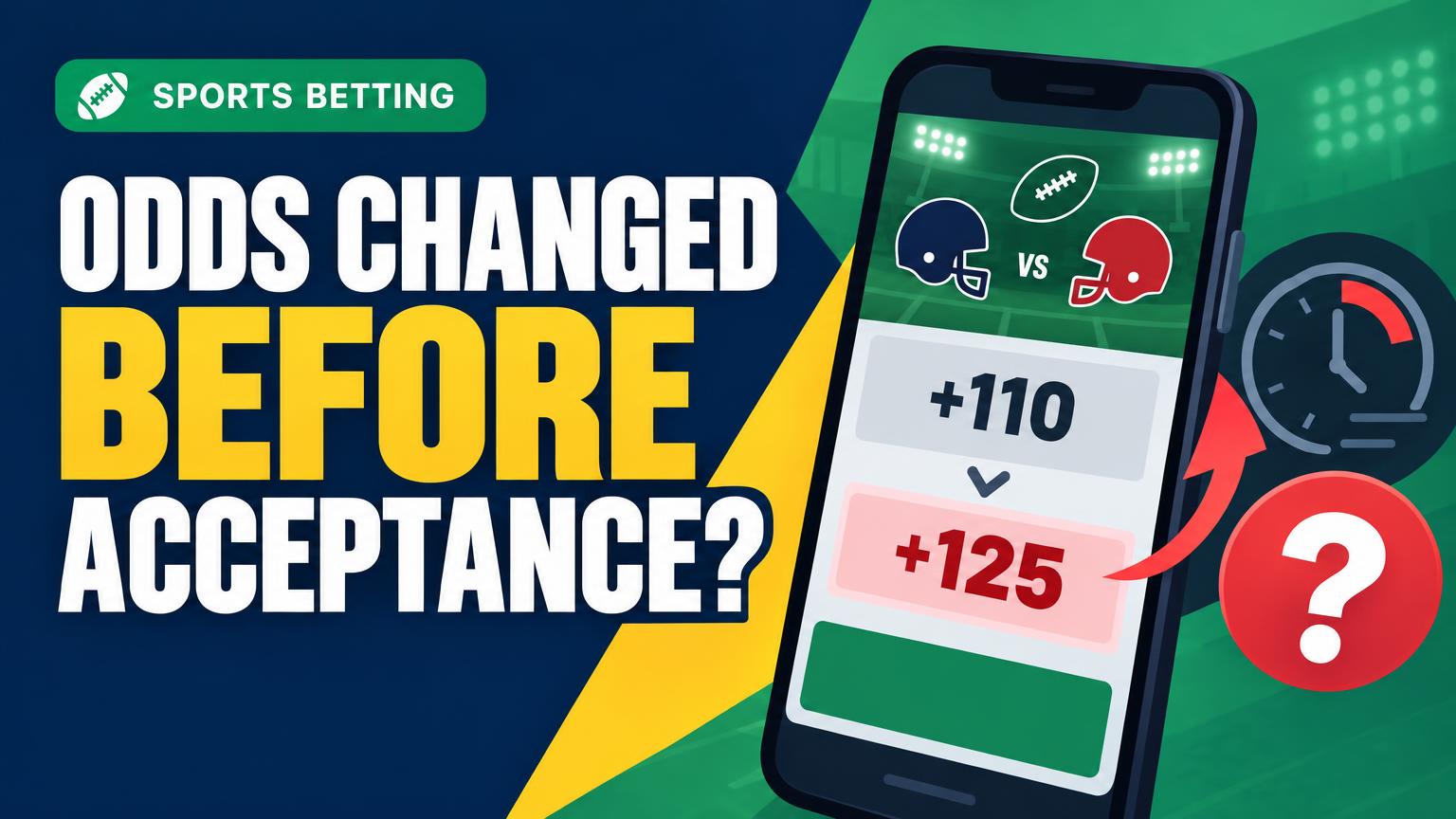
A moving number can leave a live bet in limbo.
A tennis player breaks serve just as a bettor taps “Place Bet.” The odds change, and a spinner appears instead of a confirmed bet slip. The tap may feel final, but it usually sends a request for the sportsbook to process; it does not establish that the wager was accepted.
If the price moves during that pause, the sportsbook may offer revised odds for confirmation, accept the bet under the account’s odds-change settings, or decline it. The accepted bet slip is the useful reference: it shows whether the wager went through and the odds recorded for it. If no confirmation appears, the open-bets or bet-history screen can help distinguish a pending request from an accepted wager.
The price on the confirmed ticket
A live odds display shows the price available at that moment. It is not a record of a wager. After a bettor taps “Place bet,” the slip may show a pending or processing message while the sportsbook checks the request. During that interval, the odds can move again.
The distinction is between requesting a price and having a wager accepted. A request at +120 does not necessarily lock in +120. As part of the live betting acceptance process, the sportsbook may accept the request at +120, present a changed price such as +105 for approval, or decline the bet. How a changed price is presented can depend on the sportsbook’s settings and the bettor’s selected preferences.
The confirmed ticket is the place to check what happened. It typically records the selection, stake, accepted odds, and potential return. If it shows +120, a later change on the live screen does not, by itself, change the odds recorded for that wager. If it shows +105, that is the price to examine—even if +120 appeared when the button was tapped.
A pending slip, an updated odds display, or a brief animation can be easy to mistake for confirmation during a fast-moving game. If no confirmed ticket appears, checking the bet history or account activity can help establish whether the request was accepted, is still pending, or was declined.
What happens while a live bet is being processed
- The request is sent
A tap submits the selected market, stake, and displayed odds for processing. It does not, by itself, confirm a wager.
- The market can move
While the request is in transit, the sportsbook may update the price. Odds changing elsewhere on the screen show where the market is now, not which price the submitted request will receive.
- The market may be suspended
A goal, point, or other event can briefly halt betting. A request caught in that interval may take longer to resolve or may be declined.
- The sportsbook responds
The request may be accepted at the submitted odds, offered at revised odds for confirmation, or rejected. The available responses can depend on the sportsbook’s settings and the market.
- The result appears on the ticket
Until a response arrives, a pending request has no final price or outcome. If the screen stalls, reasons a live wager may remain pending can help explain the delay; the confirmed ticket or bet history shows what was ultimately accepted.
When a new price needs approval
A sportsbook may respond to a live bet request with a new price instead of accepting the original one. If the bet slip asks the bettor to accept the revised odds, that request is still pending. Tapping “Accept” or a similar button submits agreement to the new price; the bettor should then check whether the wager was actually confirmed.
An unanswered prompt is not an accepted wager. Neither is a declined one. A prompt may also expire as the game moves on, leaving the bettor to start a fresh request if betting remains available. The wording and sequence vary among sportsbooks that require live odds confirmation: one may show a separate approval button, while another may return an updated slip for review.
Settings matter, too. Some sportsbooks offer an option to accept certain odds changes automatically, sometimes only when the new price is more favorable. When that setting applies, a separate prompt may not appear. The bet slip or account settings can show which preference was active, while the sportsbook’s rules explain how it handles changed prices.
A message saying the price changed is not the same as a confirmed ticket. If the screen disappears or the outcome is unclear, bet history is the more useful place to check for an accepted wager, its stake, and its recorded odds.
When a price change is accepted automatically
A live bet can be accepted at changed odds without a second tap if the account’s odds-change setting allows it. Depending on the operator, the setting may accept only more favorable odds or accept any available odds, including a move that reduces the potential return. Some operators apply their own rules to particular markets, so the setting alone may not explain every result.
For example, a request sent at 2.00 might be accepted at 2.10 under a “better odds only” setting. If the price instead moves to 1.90, that same setting might require approval or leave the request unaccepted. With an “accept any change” setting, either move might go through without another prompt.
No second prompt does not establish that the original price was accepted. The request might have been accepted at revised odds, or it might not have become a wager at all. The confirmed ticket or bet history is the useful check: it shows whether the bet was placed and, if so, which odds were recorded. If the setting’s wording is unclear, the operator’s rules can help explain how it handles price changes during processing.
What if the live bet is still pending or gets rejected?
Does a pending request mean the bet was placed?
Not yet confirmed. Pending means the sportsbook has not shown a final acceptance or rejection result, so the displayed odds do not establish a wager. The request may still be processed, revised, or declined.
Which odds apply while a request is pending?
There is no confirmed bet price to point to until the request is accepted. If a ticket later appears, its recorded odds show the price accepted for that wager; the earlier screen price may have changed in the meantime.
What does a rejected request mean?
A rejection means no bet was placed from that request, even if the odds were visible when it was submitted. A major play or market suspension is one possible reason a live bet gets rejected after a play, but it does not make rejection inevitable.
Does a suspension always cancel a pending request?
No. A suspension can interrupt processing, but the outcome depends on when the request was handled and the sportsbook’s rules. The request might be accepted, offered at revised odds, or rejected.
What if the pending message disappears without a clear result?
Bet history or the account’s open bets can help establish whether a ticket was recorded. If neither shows a confirmed wager, the disappearing message alone does not prove that the request was accepted.
How to verify the accepted live bet
- Open the confirmed slip or bet history
The betting screen may disappear quickly after a live request. Look for the completed ticket in bet history and, if available, note its bet ID so the same wager can be found again.
- Check the status first
A ticket marked accepted or placed is different from a request still marked pending. If no completed ticket appears, the odds shown on the screen alone do not confirm that a wager was placed.
- Match the event and selection
Check the teams or participants, market, selection, and any line or handicap. Live markets can move quickly, so this helps distinguish the intended bet from another selection that looks similar in the history list.
- Read the odds recorded on that ticket
The accepted ticket may show the price first seen before submission or the updated price offered during processing. Read the odds beside the recorded selection rather than relying on a remembered number.
- Check the stake and potential return
Confirm that the stake matches the amount entered, then review the ticket’s displayed potential return. That figure reflects the recorded wager, though its presentation may vary by bet type and any applicable adjustments.
- Compare other screens without treating them as the receipt
A pre-submission screenshot shows what was visible before acceptance; a later live display shows the market at a different moment. Neither replaces the completed ticket. If the slip and bet history conflict, keeping the bet ID and both records can make an inquiry clearer.
Why live odds move before acceptance
A displayed live price is a snapshot, not a promise that the same price will still be available when a request is reviewed. A goal, red card, injury, or other new game information can prompt a sportsbook to update its market. Even without an obvious incident on screen, prices may move as the market changes or the sportsbook refreshes its assessment.
There can also be a gap between the tap and the acceptance decision. During that processing time, a price update may reach the sportsbook before the request clears. A broadcast may be behind the sportsbook’s data feed, so a change that appears to come before the visible play is not necessarily out of order.
The direction of the move shows how the quoted price changed, but rarely identifies its exact cause. Someone trying to analyze the sportsbook odds offered can compare the displayed quote with the later offer or confirmed ticket without treating either change as proof of what happened behind the scenes.
- Check the request’s status
A pending request has no final price, and a rejected request has no accepted wager. Look for an accepted status in the bet slip or history.
- Read the recorded odds
On an accepted ticket, the listed odds—not the earlier live display—identify the price applied to the wager.
- Check for an open price-change prompt
If updated odds are still awaiting approval, the request may not yet be accepted. An expired or declined prompt may leave no wager.
- Match the ticket to the request
Compare the event, selection, stake, and time to avoid mistaking a different bet for the one in question.
- Ask about conflicting records
If the status, prompt, and ticket disagree, support can investigate using the bet ID and relevant timestamps.
The accepted ticket settles the price question
A changing live quote shows what was available at a moment in time, not necessarily what became a wager. The applicable price is the odds recorded on the accepted bet. If acceptance cannot be confirmed, there is no confirmed wager price to rely on.