
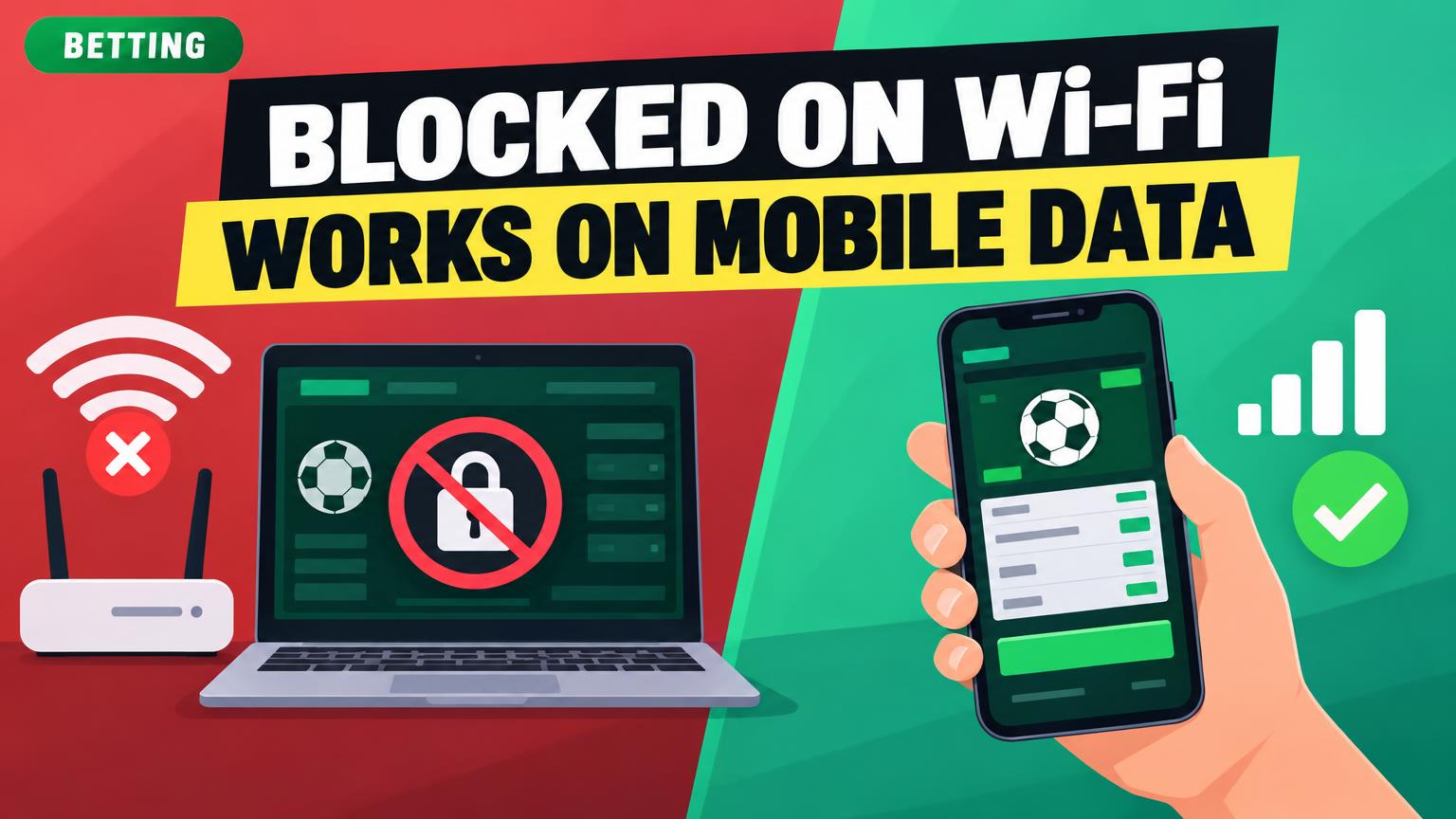
A Wi-Fi failure does not necessarily mean the sportsbook is down.
The betting page opens on mobile data, but home Wi-Fi shows “Access denied” or never finishes loading. Record the exact error and whether it appears before or after login. Then open the same URL in the same browser on each connection, leaving VPN settings unchanged. If only Wi-Fi fails, router or ISP filtering, DNS trouble, or a network-based location check may be involved. If both fail, the site or account may be the issue. Location restrictions apply on either connection.
For US players looking for big sign-up bonuses, decent lines, and fast payouts, our Top Choices among offshore sportsbooks are BetUS, Bovada, Mybookie, Xbet, and Sportsbetting. BetOnline, Bet105, and BetNow are also worth comparing. Check current terms and local legality before depositing.
A Wi-Fi page that says “gambling sites are blocked” or “access denied by policy” points to a network rule, especially at a workplace, school, hotel, or other shared venue. If the site loads on mobile data, that supports the diagnosis; it does not mean the sportsbook account is at fault.
Check the Wi-Fi sign-in page or acceptable-use terms first. A school or workplace IT desk can confirm whether the restriction is intentional. At a hotel, reception may know the guest-network policy or who manages it. If the notice seems mistaken, give the network contact the exact URL, time, and a screenshot.
The rule may cover any sportsbook. BetUS, Bovada, MyBookie, Xbet, and Sportsbetting are top offshore choices for US players seeking large sign-up bonuses, decent lines, and fast payouts; BetOnline, Bet105, and BetNow may be restricted too.
Ask the administrator about an apparent mistake rather than trying to bypass the restriction. Betting should take place only where it is legal and permitted by the network’s terms.
Check home Wi-Fi filtering
If other sites load on home Wi-Fi but a sportsbook does not, check the network’s content rules. Router parental controls, security services, and household DNS filters may classify gambling sites as restricted. A block page naming a category or filtering provider is a useful clue; a timeout alone does not prove filtering.
The person responsible for the network can check the router app or DNS dashboard for device profiles, blocked-domain logs, and gambling-category settings. If a legitimate domain was classified by mistake, that person can correct the specific entry or ask the filtering provider to review it. Keep unrelated protections enabled, especially if the restriction was set deliberately for someone in the household.
Filters may flag any sportsbook, including offshore picks BetUS, Bovada, MyBookie, Xbet, and Sportsbetting—Top Choices for US players seeking sizable sign-up bonuses, decent lines, and fast payouts—as well as BetOnline, Bet105, and BetNow. The brand alone does not establish whether a block is an error.
When the browser shows an error
A browser error is different from a page that says betting is blocked. “Site can’t be reached” or “server IP address could not be found” may point to a mistyped address, an old bookmark, or a Wi-Fi DNS problem. A timeout can also indicate a connection fault; none of these messages proves that the network is filtering betting sites.
First, check the exact address against the sportsbook’s official app or a previously verified message from its support team. Avoid search ads and unsolicited “new domain” links, which can lead to lookalike sites. Our Top Choices among offshore sportsbooks for US players seeking large sign-up bonuses, decent lines, and fast payouts include BetUS, Bovada, MyBookie, Xbet, and Sportsbetting. BetOnline, Bet105, and BetNow are other top USA betting site picks; the same address check matters for each.
Open the verified URL in another browser on the same Wi-Fi. If it works there, a browser setting or extension may be involved. If both browsers fail but mobile data works, restart a home router and try again after it reconnects. These checks help narrow down a betting site stuck loading without assuming the Wi-Fi has blocked it.
If the browser reports an invalid or mismatched security certificate, do not click through or enter account details. Recheck the address and contact the sportsbook through a verified channel.
When location verification fails
A sportsbook may load on Wi-Fi but refuse a wager because it cannot verify the device’s location. That is different from a network block: the site is reachable, but betting eligibility depends on physical location and the operator’s rules. Mobile data may give the device a clearer location signal, while Wi-Fi-based checks can sometimes be inconclusive.
Check the exact message before changing router settings. For “location unavailable,” turn on device location services, grant the browser or sportsbook app location permission, and allow precise location if requested. On a laptop, check both operating-system and browser permissions. How mobile betting apps work on U.S. phones offers more context on why phone settings matter.
If the message says betting is unavailable in the current state, check the sportsbook’s jurisdiction rules and confirm that the device is physically in an eligible area. Offshore sportsbooks BetUS, Bovada, MyBookie, Xbet, and Sportsbetting are top choices for U.S. players comparing large sign-up bonuses, decent lines, and fast payouts; BetOnline, Bet105, and BetNow are also picks to review. Terms and availability vary by site. If permissions are enabled but verification still fails, contact the sportsbook’s support team rather than trying a VPN or location-spoofing tool.
When the site opens but will not work
A login loop, frozen odds board, or failed bet slip is not proof that Wi-Fi blocks the site. The page may load while saved browser data, an extension, an unstable connection, or the sportsbook itself prevents the next step.
- Try a private window. If the problem disappears, clear that sportsbook’s cookies and site data in the regular browser, then sign in again. If it persists, temporarily disable extensions to check for interference.
- Check for an outage. Look at the sportsbook’s official status page or support updates. If the same feature fails on both Wi-Fi and mobile data, a site-side problem is more likely.
- Restart the home router. If only Wi-Fi has the issue, unplug the router briefly, reconnect, and test again. A restart can clear a temporary connection fault, but it will not change a network’s access rules.
Before resubmitting a failed bet slip, check the account’s open bets and transaction history. A wager may have gone through even if confirmation never appeared.
Our Top Choices among offshore sportsbooks for U.S. players seeking big sign-up bonuses, decent lines, and fast payouts are BetUS, Bovada, MyBookie, Xbet, and Sportsbetting. BetOnline, Bet105, and BetNow are also picks; a partial failure at any site still needs the same checks.
When only one sportsbook fails
If other sportsbooks load on the same Wi-Fi, the problem may be specific to the failing site rather than the whole connection. Check these possibilities before changing network settings:
- An outage: Look for a notice on the sportsbook’s official status page or support channel. If the site also fails on mobile data, a service problem becomes more likely.
- An old bookmark: Type the address from an official email, app, or verified support page instead of reusing a saved link. Sportsbooks sometimes change domains, but an unexpected redirect or certificate warning is a reason to stop—not to enter login details.
- A site-specific block or restriction: A Wi-Fi filter can block one domain while allowing others. If the page loads but login or wagering fails, ask the sportsbook whether an account or location restriction applies.
For U.S. players comparing options, BetUS, Bovada, MyBookie, Xbet, and Sportsbetting are top offshore choices for those seeking sizeable sign-up bonuses, decent lines, and fast payouts. BetOnline, Bet105, and BetNow are other names to compare. Bonus terms, odds, payment methods, verification requirements, and withdrawal times vary; none of those benefits is guaranteed. Switching sites does not override a Wi-Fi network rule or make wagering permissible in an ineligible jurisdiction.
Match the symptom to the next step
- Policy notice
A message naming a school, workplace, or public Wi-Fi rule points to the network administrator. Check the posted policy rather than trying another domain.
- Browser error
Confirm the address, then test another site on the same Wi-Fi and the sportsbook on mobile data. Stop if the browser shows a certificate warning.
- Location error
Check browser location permission and whether wagering is permitted at the current location. A working connection does not establish eligibility.
- Page loads, but something fails
Try a private window, check for a site outage, and compare Wi-Fi with mobile data. These tests help separate browser, network, and sportsbook issues.
- Still unresolved
Save the exact message and test results, then share them with the administrator or sportsbook support.
Changing sportsbooks will not override a network rule or location requirement. Our Top Choices among offshore sportsbooks for US players seeking large sign-up bonuses, decent lines, and fast payouts are BetUS, Bovada, Mybookie, Xbet, and Sportsbetting. Other picks include BetOnline, Bet105, and BetNow; check current terms and eligibility.