

A betting app may look simple on the home screen, but permission to use it is earned in layers.
A new phone can stream games, open a bank app, and install a familiar sportsbook in minutes—then still refuse a wager at the final tap. The screen may ask for identity details, location access, app updates, or a different connection before anything goes through. That stop-start feeling is normal in U.S. mobile betting, not usually a sign that the phone is broken.
The reason is that a sportsbook app is closer to a regulated money-and-location tool than a casual game or shopping app. It has to confirm that the account holder is allowed to bet, that funds can move legally, and that the phone is physically inside a state where the operator is licensed. The brand may be national, but access is local. A login that works in one state can become limited a few miles away.
- Location checks usually happen at login, before betting, and sometimes during a session.
- Wi‑Fi, VPNs, outdated apps, and weak GPS signals can all trigger extra checks.
- A legal app store download does not guarantee betting is available in the current state.
Three ways to open a sportsbook on a phone
A sportsbook does not always need a full download to work well on a phone. Most U.S. operators offer three everyday paths: a native app, a mobile website, or a home-screen shortcut that opens the site like an app icon.
The native app is usually the smoothest option for frequent use. It can keep location tools, bet slips, live markets, and notifications closer at hand. If an expected download is missing, there may be a state, device, or store-policy reason behind it; this guide to why a sportsbook may not appear in the app store explains the common causes.
The mobile website can be simpler for occasional use. It avoids storage space, app updates, and extra permissions, though sign-in may feel less persistent. For anyone comparing the feel of each option, a practical look at using an app versus the mobile site day to day helps set expectations.
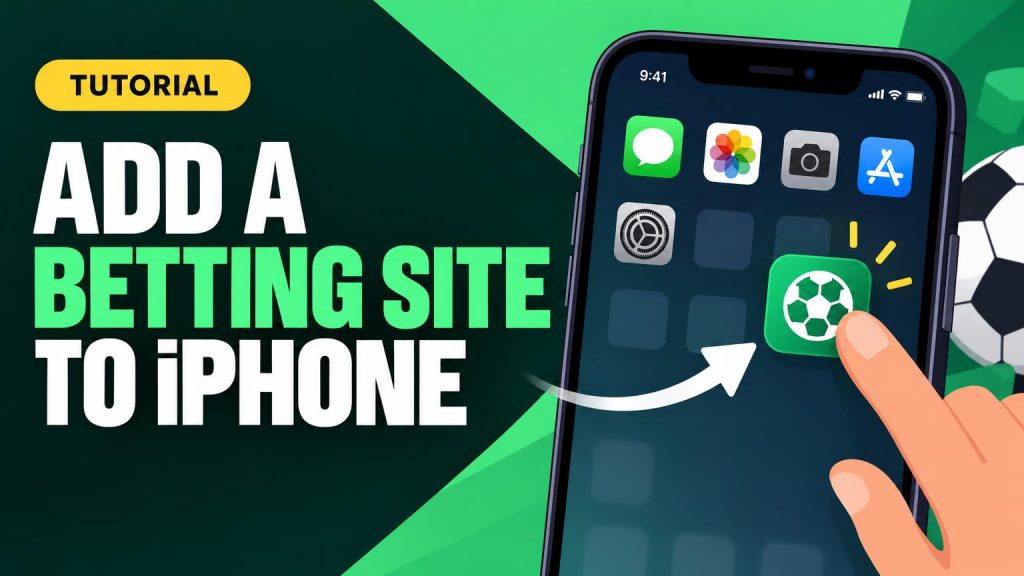
A home-screen shortcut sits in the middle. It is still the website, but it opens from an icon and reduces the need to type the address. iPhone users can follow the basic steps to place a betting site on the home screen if the browser version is preferred.
Before settling on one route, it is worth checking whether the site supports login, deposits, location checks, and live betting cleanly in a browser. A quick review of what to inspect before relying on a no-download betting site can prevent daily friction.

Access Depends on State Rules
A betting app is not legal everywhere just because it appears in an app store. In the U.S., online sports betting is handled state by state, so the important question is usually where the person is physically located at that moment. A phone bought in one state, a billing address in another, or a downloaded app from a national brand does not override local rules.
Most sportsbook apps separate account features from actual wagering. That is why an app may open normally in one place but block the bet slip after a location check. In some states, registration is allowed online; in others, account setup may be limited, unavailable, or tied to specific rules.
Common differences include:
- Browsing lines: Often available more widely, sometimes even where betting is not allowed.
- Creating an account: May depend on state eligibility and the operator’s license.
- Depositing funds: Can be allowed before a wager is permitted, though rules vary.
- Placing bets: Usually requires passing a real-time geolocation check inside a legal betting state.
- Withdrawing money: Often remains available even when the person is outside the betting area.
This can make the app feel inconsistent, but it is usually behaving as designed. A traveler might review odds in an airport, fund an account from a hotel room, and still be unable to place a wager until the phone is confirmed inside a permitted state. The phone’s technical ability matters, but the legal location check is what decides whether betting can actually happen.
A sportsbook may work differently after only a short drive. The app normally checks current location again before accepting a wager, not just at download or login.
Phone Compatibility Checks
A sportsbook may be legal in a state and still refuse to install on a particular phone. The usual causes are ordinary: an old operating system, too little storage, an unsupported browser, or a permission setting that blocks location checks.
On iPhone, the App Store listing does much of the screening. It checks the device model, iOS version, and whether the app is available through Apple’s store in that market. If the install button is missing or the app will not update, the next step is usually checking iOS support rather than hunting for a workaround; iPhone app requirements tend to be stricter and more centralized.
Android is more varied. Google Play may show that an app is incompatible because of the Android version, device certification, screen support, or carrier-related setup. A newer-looking phone can still be behind on updates, so Android compatibility checks are worth doing before creating an account.
Direct downloads need extra caution. Some operators may point Android users to an install file outside Google Play, but random search results are a bad source. Before using any APK, confirm it comes from the sportsbook’s official site and understand the update and security tradeoffs; APK safety basics matter more than speed.
Quick pre-sign-up checks:
- Update the phone OS and the main browser, usually Safari or Chrome.
- Free storage space for the app, updates, document uploads, and cache.
- Allow location access when prompted; it is central to state verification.
- Review optional permissions such as notifications, camera, and photo access.
- Test the mobile site if the app is unavailable or the phone is older.



Creating a Betting Account
A legal sportsbook sign-up asks for more than a username. The app must collect enough information to confirm that the account belongs to a real, eligible person in an approved state. Typical fields include full legal name, date of birth, home address, email address, phone number, and the last four digits of a Social Security number.
This step can feel formal because it is part of the regulated access process. Age checks help block underage gambling, while identity checks reduce duplicate accounts, fraud, and banned-user activity. If the details do not match public or private verification records, the app may pause registration and ask for a document such as a driver’s license or state ID.
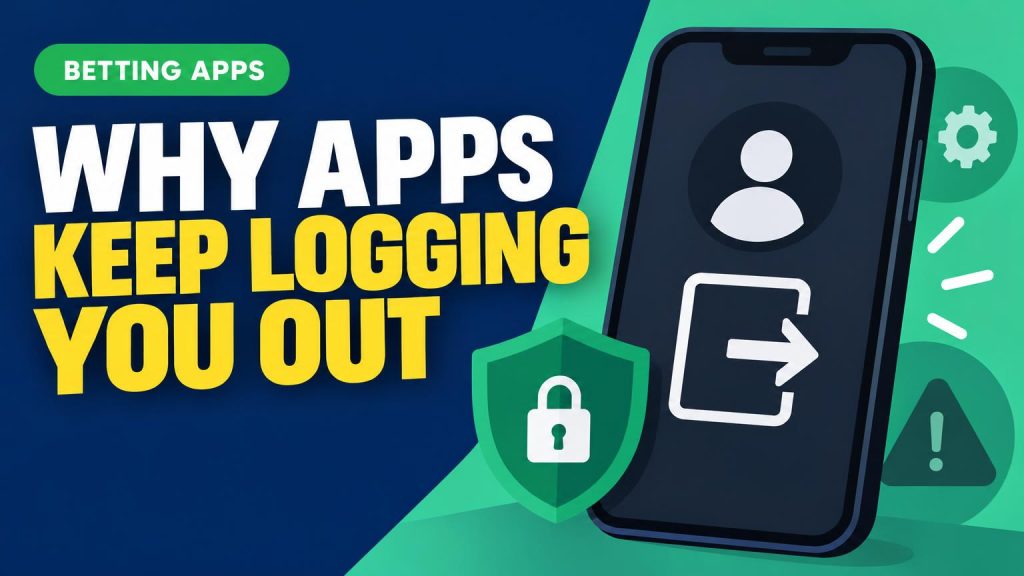
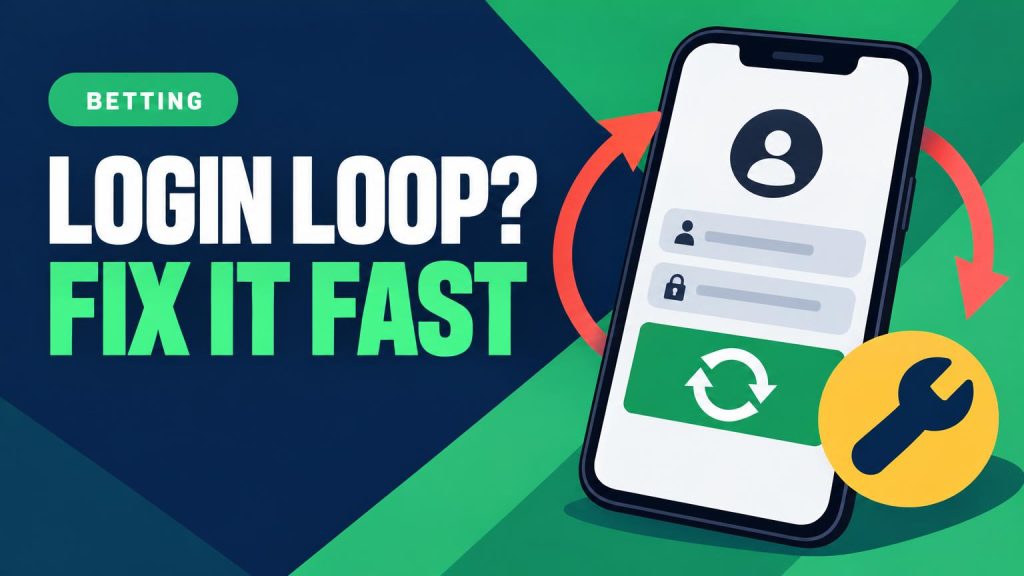
Login setup usually comes next. The account needs a password, and many apps also support Face ID, fingerprint login, or two-factor authentication after the first sign-in. Email and SMS codes are common because the operator must confirm that the contact methods are active and controlled by the account holder. If a text code fails to arrive, the issue may be as simple as carrier filtering or a mistyped number; the common causes are covered in this guide to missing sportsbook verification texts.
Verification is not an optional security extra. Until it is complete, deposits, withdrawals, bonuses, or actual wagers may stay locked.
Most accounts verify instantly, but a mismatch in name, address, phone number, or ID records can trigger a manual review before betting access opens.
Why Location Checks Matter
A mobile sportsbook does not rely on the address in an account profile. Before a bet is accepted, the app or mobile site checks where the phone is right now. If the device appears outside an approved betting area, the bet slip may still open, but the final “place bet” step is blocked.
Most checks combine several signals. GPS gives the phone’s satellite-based position. Wi-Fi can help confirm location by reading nearby networks, even when the phone is not connected to them. Cellular data adds another clue through the carrier network and nearby towers. Using more than one signal makes it harder for the location result to be wrong or faked.
Browser betting works the same way, but it often depends on permissions. A mobile browser may ask to allow location access for the sportsbook site. If that permission is denied, set to “ask every time,” or blocked in phone settings, the site may not be able to verify location. Native apps usually request similar permission during setup or before the first wager.
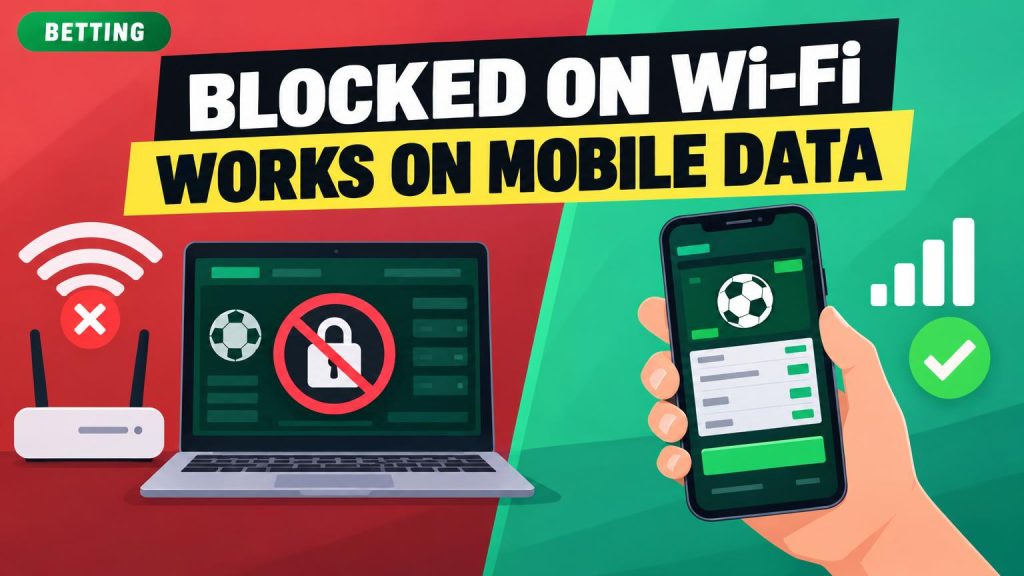
VPNs, proxies, remote desktop tools, and some privacy apps can cause conflicts. Even if the phone is physically in a legal state, software that hides or reroutes internet traffic may make the location check fail. Turning those tools off and using normal Wi-Fi or cellular data often fixes simple errors.
There is also a practical difference between browsing and betting. Many sportsbooks allow odds, promotions, account pages, and sports schedules to load outside the legal area. The stricter check usually happens when adding funds, claiming certain offers, or submitting a wager.
Moving a short distance away from a state line, enabling Wi-Fi, and allowing precise location access can help the phone return a cleaner result.
Placing a Bet After Login
- Choose a sport and event
The home screen usually highlights popular leagues first. A bettor can open a sport, then pick a game, match, race, or future market.
- Review the available markets
Common choices include moneylines, spreads, totals, and player props. Each market has its own rules, so the displayed name matters as much as the team or player.
- Tap the odds
Selecting odds adds that pick to the bet slip. If a number appears frozen or out of step with the rest of the screen, it may help to understand why lines sometimes look stale.
- Check the bet slip
The slip shows the selection, odds, potential payout, and any warnings. This is the last easy place to catch the wrong side, wrong market, or accidental parlay.
- Enter the stake
After a dollar amount is entered, the app calculates the estimated return. Some apps also show minimums, maximums, promos, or tax-related notes where applicable.
- Confirm and wait
Tapping the final button only sends the wager for review. The bet is final only after the app displays an accepted or placed confirmation.
Sportsbook prices refresh quickly, especially near kickoff, after injuries, or during live betting. If the line changes, the app may ask for approval of the new odds, reject the slip, or return it for editing.
A screenshot of a slip is not proof of a placed wager. The accepted confirmation is the record that matters.
Payments and limit tools
Adding money to a betting app usually feels less like a quick retail checkout and more like a controlled account transfer. The app may offer debit cards, online banking, PayPal, prepaid cards, wire transfers, or cash-at-cage options, but availability depends on the sportsbook, the state, and the financial institution behind the payment method.
A card that works for shopping may fail for betting because some banks block gambling-related transactions. Operators can also set minimum and maximum deposit amounts, request extra verification, or pause a transaction for review. These checks are not always signs of a problem; they are part of how regulated apps manage payment risk, fraud prevention, and state compliance.
Withdrawals tend to feel even more deliberate. The name on the payout method generally must match the betting account, and some apps require a deposit method to be verified before it can receive funds. Processing may be instant in some cases, but bank transfers, checks, and manual reviews can take longer, especially after large wins or recent account changes.
Responsible-gambling tools are built into the same account area because they control what the app allows financially and behaviorally. Common settings include:
- Deposit limits that cap funding over a chosen period
- Wager limits that restrict how much can be staked
- Time limits or reminders for session length
- Cooling-off periods that temporarily lock betting access
- Self-exclusion tools for longer blocks
Once set, many limits cannot be raised immediately. That delay is intentional: the tools are meant to slow impulsive changes, not behave like ordinary app preferences.
Match the symptom to the likely cause
If money is missing, a withdrawal is frozen, or the account shows a security lock, sportsbook support is safer than repeated troubleshooting.
Start Small, Verify Early, Keep the Phone Ready
A first mobile betting setup works best when treated as a checklist, not a race to place a wager. Confirm that betting is legal in the current state, then choose the access path that fits the phone: app store download, approved browser use, or a saved shortcut. Before signup, check operating-system support, storage space, browser updates, and whether location services can run without being blocked by VPNs, privacy tools, or weak signal.